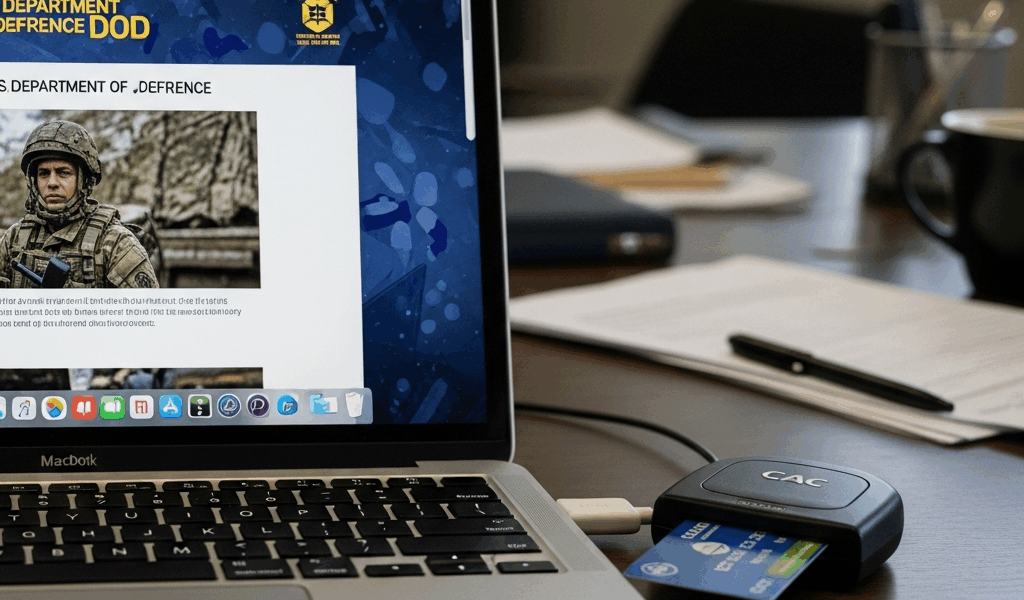
You are a federal employee or contractor trying to access a DoD website from your Mac and getting certificate errors, blank pages, or outright access denials. The problem is not your Mac — it is that DoD websites require specific certificates and browser configurations that macOS does not include by default. Here is how to fix it without calling your IT help desk.
Install DoD Root Certificates on macOS
DoD websites use certificates issued by the DoD Certificate Authority, which is not included in Apple’s default trust store. Without these certificates, your browser treats every DoD site as untrusted and either blocks access or throws security warnings.
Download the DoD root CA bundle from the DISA website (militarycac.com maintains direct download links that are consistently updated). Open the .p7b file — Keychain Access will launch automatically on macOS. Import the certificates into your System keychain, not your login keychain. Then manually trust each DoD root certificate: double-click each one in Keychain Access, expand the Trust section, and set “When using this certificate” to “Always Trust.” You will need to enter your Mac admin password for each certificate.
This process typically involves 5 to 8 individual certificates. It takes about 10 minutes the first time. Once installed, the certificates persist across browser updates and macOS minor updates, though a major macOS upgrade may require reinstalling them.
Browser Configuration: Safari vs Chrome vs Firefox
Safari: Uses the macOS Keychain directly. Once DoD root certificates are installed and trusted in Keychain Access, Safari recognizes them automatically. Safari is the most straightforward browser for DoD sites on a Mac.
Chrome: Also uses the macOS Keychain on Mac. Same certificate installation process applies — no additional configuration needed. Chrome works well with most DoD sites after the root CAs are trusted.
Firefox: Uses its own certificate store, separate from the macOS Keychain. You must import the DoD certificates into Firefox separately: Preferences > Privacy & Security > Certificates > View Certificates > Import. This extra step catches many Mac users who installed the certs in Keychain and assumed Firefox would see them.
CAC Authentication on Mac
Many DoD sites require Common Access Card authentication. On a Mac, you need a USB smart card reader (the SCR3310v2 and similar models work reliably) and the appropriate middleware. macOS includes built-in smart card support starting with Catalina, but DoD CAC cards often require the OpenSC middleware for reliable certificate detection.
Install OpenSC from the official project page. Insert your CAC reader with card, and verify the system recognizes it in Keychain Access — your CAC certificates should appear under the card’s token. If the certificates do not appear, check that the card is oriented correctly (chip side up on most readers) and that the reader has power via a direct USB port, not a hub.
Common Issues and Quick Fixes
“This site can’t provide a secure connection”: DoD root certificates not installed or not trusted. Reinstall and set each to Always Trust in Keychain Access.
Site loads but login fails: CAC certificates not being read. Check that your reader shows up in System Information > USB. Try a different USB port — hubs and adapters sometimes interfere with smart card communication.
Firefox specifically fails while Safari works: Firefox uses its own certificate store. Import DoD certs directly into Firefox’s certificate manager.
After macOS update, everything breaks: Major macOS updates can reset certificate trust settings. Reinstall and re-trust the DoD root CA bundle. This is a recurring maintenance task, not a one-time fix.
Keeping It Working Long-Term
DoD periodically rotates its root certificates. When this happens, previously working sites will start throwing certificate errors again. Check the DISA PKI page or militarycac.com quarterly for updated certificate bundles. Set a calendar reminder — it takes 10 minutes to update and saves you the frustration of discovering broken access the morning you need it most.

Stay in the loop
Get the latest apple mac in government updates delivered to your inbox.