
Forgot your PIV card PIN? Here’s how to reset it on your government Mac without a trip to the security office.
What You Need
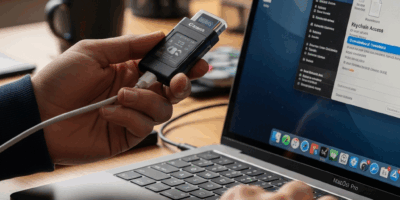
Your PIV card, a working card reader, and your PUK (Personal Unblocking Key). If you don’t have your PUK, you’ll need to visit your agency’s credentialing office.

Reset Steps
Open Keychain Access from Applications > Utilities. Go to Keychain Access menu > Card Options > Reset PIV PIN. Enter your PUK when prompted, then create a new 6-8 digit PIN.
Tips
Choose a PIN you’ll remember but isn’t obvious. Avoid birthdays, phone numbers, or sequential numbers. Your new PIN takes effect immediately—test it by locking your Mac and logging back in with your PIV card.
If this doesn’t work, contact your local IT support or visit the credentialing office.


Stay in the loop
Get the latest apple mac in government updates delivered to your inbox.