
AirPrint on Government Networks – Making Your Mac Talk to…
AirPrint on Government Networks Printing from government Macs has gotten complicated with all the enterprise print systems, network security, and device authentication requirements flying around....
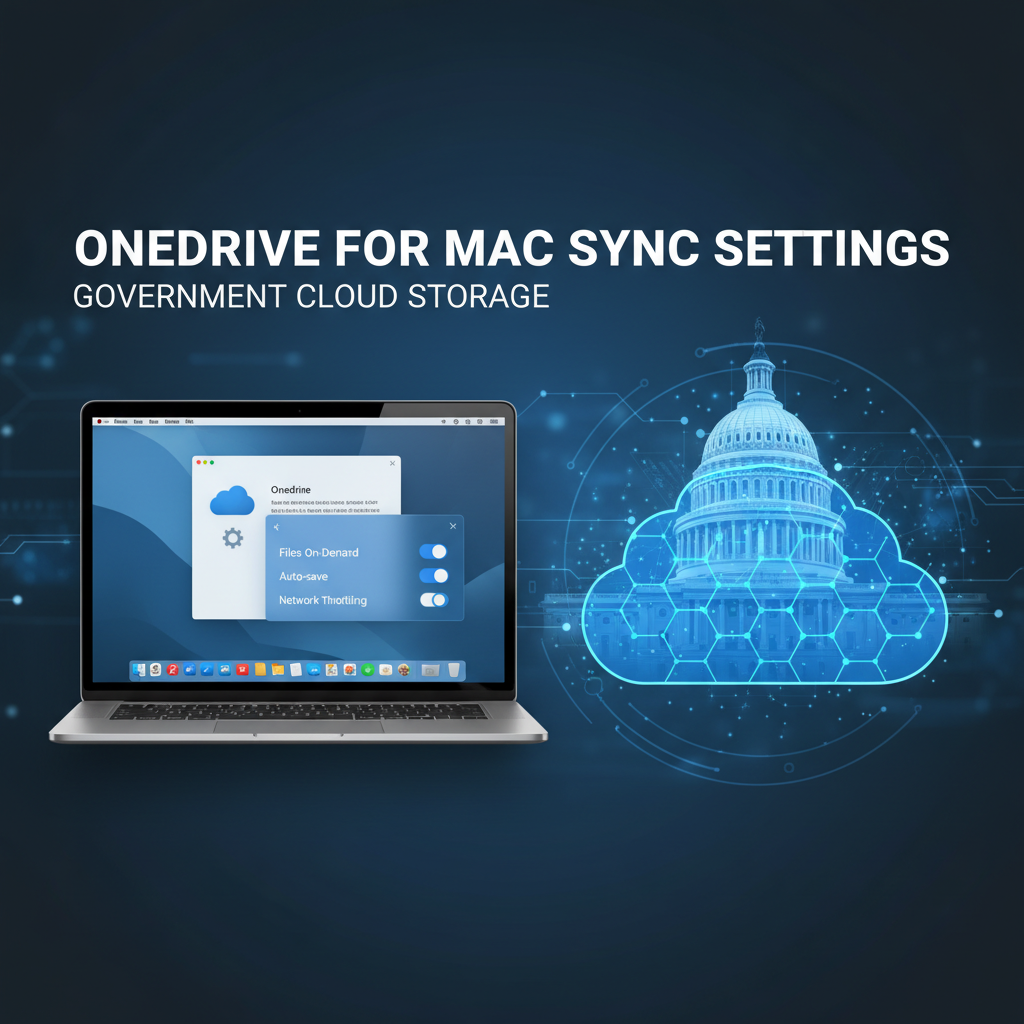
OneDrive for Mac on .mil and .gov – Sync Settings That Work
OneDrive for Mac on Government Networks OneDrive sync on government Macs has gotten complicated with all the security requirements, network restrictions, and compliance considerations flying...
Why Your Mac Needs Edge for SharePoint Access from Safari
Why Your Mac Needs Edge for SharePoint SharePoint access on government Macs has gotten complicated with all the browser compatibility issues and authentication requirements flying...
Teams for Mac – Features, Bugs, and Workarounds for Fed U…
Teams for Mac in Government Microsoft Teams on government Macs has gotten complicated with all the feature differences, performance issues, and workarounds flying around. As...
M4 MacBook Air Approved for NIPR Network Use
The new M4 MacBook Air has received authorization for use on NIPR networks, according to updated federal acquisition guidance. Approved Configurations Both the 13-inch and...

Federal IT Guidance Updated for macOS Sequoia Deployment
The Federal CIO Council has issued updated guidance on macOS Sequoia adoption for civilian agencies. The new memo clarifies the approval timeline and security baseline...

Apple Releases Critical macOS Security Update for Federal Systems
Apple has released a critical security update for macOS that federal IT administrators should deploy immediately. The update, macOS Sonoma 14.7.2 and macOS Sequoia 15.2,...

Microsoft 365 on Mac – Word, Excel, and Outlook for Gover…
Microsoft 365 on Mac for Government Microsoft 365 on government Macs has gotten complicated with all the licensing options, Government Cloud requirements, and feature differences...
Slack vs Teams vs WebEx – Approved Collaboration for Fede…
Slack vs Teams vs WebEx for Government Choosing collaboration tools for government Macs has gotten complicated with all the FedRAMP certifications, feature comparisons, and agency...