
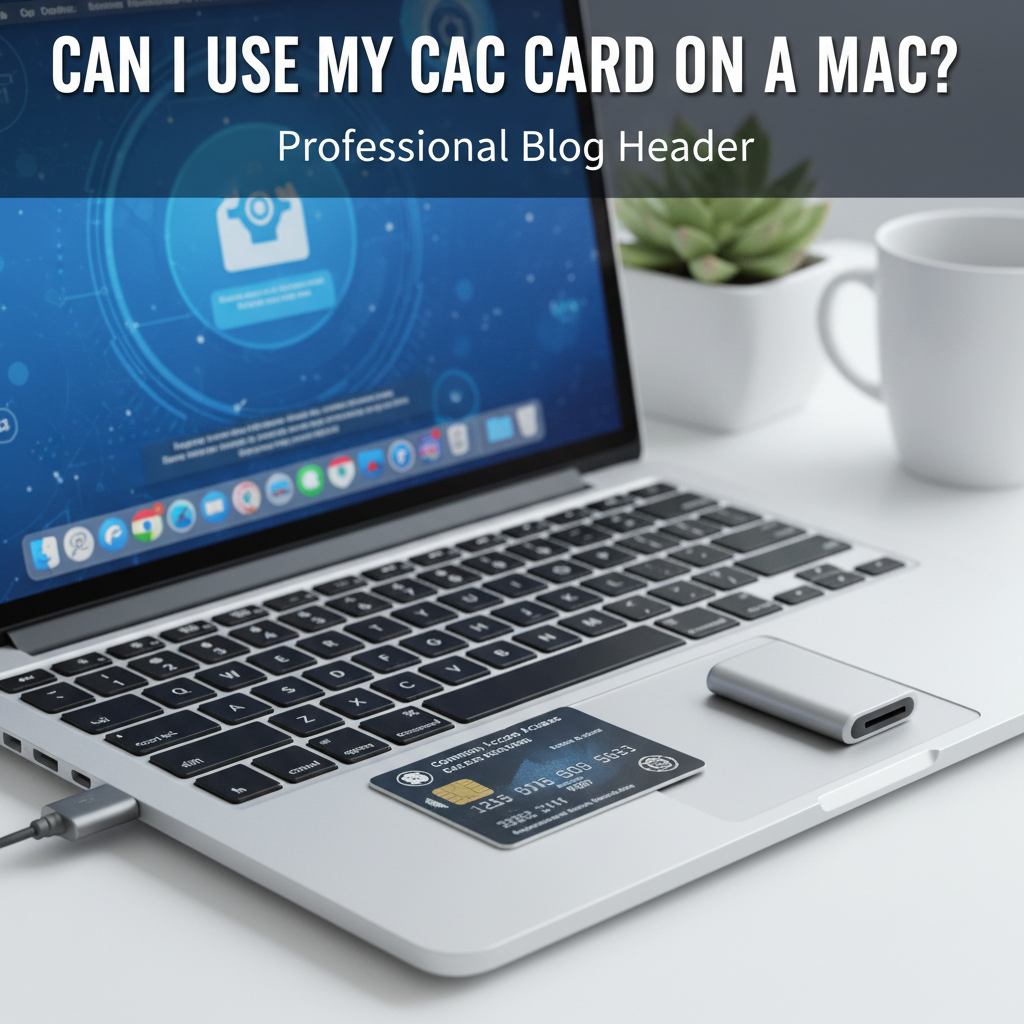
Can I Use My CAC Card on a Mac?
CAC card compatibility on Mac has gotten complicated with all the middleware options, reader requirements, and certificate configurations flying around. As someone who has helped countless federal employees get their CAC working on Mac, I learned everything there is to know about this common question. Today, I will share it all with you.
The short answer: Yes, you can use your CAC card on a Mac, but it requires proper setup.
What You Need
Probably should have led with this section, honestly. You need three things: a compatible USB smart card reader, the correct middleware software, and proper certificate configuration in Keychain Access.
Reader Compatibility
That’s what makes reader selection important—not all readers work equally well. Common government-approved readers include models from SCM, Identiv, and similar manufacturers. Check your agency’s approved hardware list.
Setup Process
Insert your reader, install any required drivers, then insert your CAC. macOS should recognize the card and import certificates. Configuration varies by agency—consult your IT department for specific instructions.
When It Doesn’t Work
Reader not recognized? Try a different USB port. Certificates not importing? Middleware may need configuration. Persistent problems require IT helpdesk support—they handle these issues regularly.




Leave a Reply